

 Call us:



What Is School ERP Software? A Complete Guide for Schools Worldwide
What School ERP Software Actually Is
ERP stands for Enterprise Resource Planning. The idea comes from the business world, where one system ties together finance, staff, stock and sales. A school ERP does the same for a school: one system and one set of records, used by everyone from the admissions desk to the accounts office to the classroom teacher.
The key idea is that the records are shared. Most schools do not start from nothing. They have a spreadsheet for fees, a register for attendance, another file for marks and a WhatsApp group for notices. Each of them works on its own, but none of them talks to the others. When a student leaves, somebody has to update four places. When a parent asks about a fee, the answer sits in a different file from the attendance they are also upset about.
A school ERP replaces that patchwork with connected modules. Mark a student absent and the parent can be notified. Record a fee payment and the due list updates by itself. Move a student to a new section and the timetable, attendance and report card follow.
Most modern systems run in the cloud, which means staff log in through a browser or a mobile app instead of using software installed on one office computer.
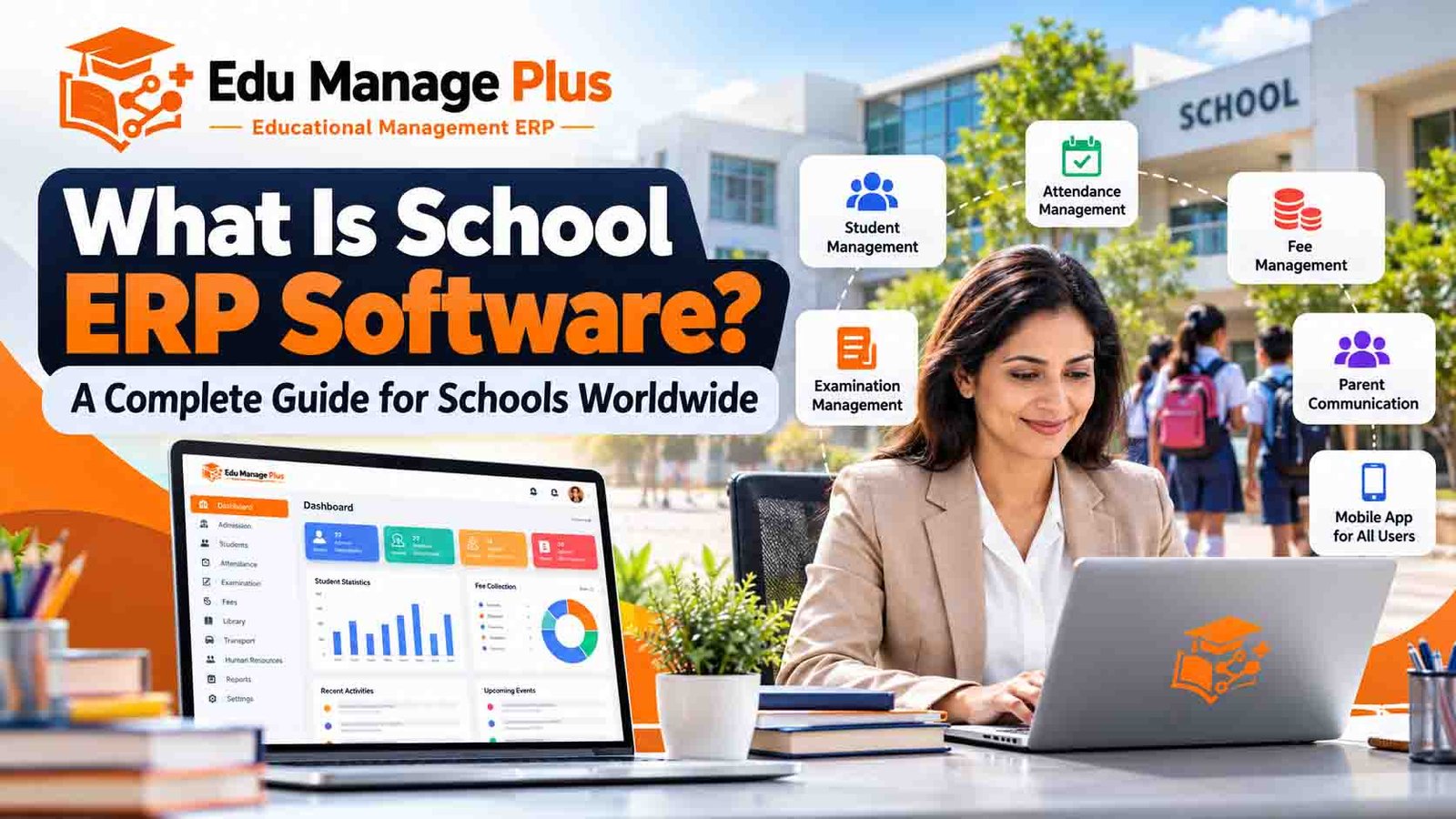
What a School ERP Usually Includes
Products differ, and some charge extra for certain modules, so ask early. These are the parts you will see in most systems.
- Student management. Admission details, class and section, guardian contacts, documents and a full history for each child.
- Fee management. Fee structures by class, installments, discounts, concessions, late fees, receipts, and a clear list of who owes what. Online payment depends on the payment gateway set up in your country.
- Attendance. Teachers mark attendance on a phone or computer, and the office can see daily, monthly and class-wise summaries.
- Exams and report cards. Exam schedules, marks entry, grade calculation and printable report cards in your school's format.
- Timetable, homework and assignments. Class schedules, teacher allocation and daily academic updates.
- Staff and payroll. Employee records, attendance, leave and salary calculation. Check that payroll rules match your country before you rely on it.
- Communication and mobile apps. Notices, reminders and alerts to parents and staff, plus apps for parents, teachers and students.
- Transport, library and hostel. Bus routes and vehicle records, book issue and return, room allocation. Live GPS tracking is a separate feature that not every system offers.
- Reports. Fee collection, dues, attendance, results and enrollment, ideally exportable.
What Changes in Practice
It is easier to see the difference with an ordinary Monday morning.
Without an ERP, a teacher marks a paper register in the first period. A clerk collects the registers, counts the absentees and passes a list to someone who starts phoning parents after lunch. A few families hear about it the next day, and some never do.
With an ERP, the teacher marks attendance on a phone in the first five minutes. The system flags absent students and sends the parents a notification. The principal can open a screen at 10 a.m. and see attendance for the whole school. Nobody has typed the same list twice.
That saved time is the real benefit. Software does not teach children better, but it can free up the hours that staff currently spend copying, counting and calling.
Who Benefits From It
Office and accounts staff spend less time on data entry, receipts and month-end reconciliation, and make fewer mistakes.
Teachers mark attendance and enter marks once, instead of rewriting the same information for different reports.
Parents get fee reminders, attendance alerts, homework and notices on their phone, rather than waiting for a printed circular or a meeting.
Principals and owners see fee collection, attendance and results without asking someone to compile a report, which makes decisions faster and better informed.
What a School ERP Cannot Do
It helps to be realistic before you buy.
- It will not fix a messy process. If your fee rules are unclear, the software will only make the confusion faster. Settle the rules first.
- It needs clean data. Wrong phone numbers and duplicate student records will follow you into the new system unless you tidy them first.
- It only works if people use it. A system that teachers ignore is just an expensive database. Plan for training and some patience in the first term.
- It depends on connectivity. Check how the system behaves when the internet is slow or down.
- Results differ between schools. How much time you save depends on how many modules you use and how well you set them up.
School ERP vs School Management Software
People use these terms as if they mean the same thing, and in daily conversation they usually do. If there is a difference, school ERP tends to mean one connected system covering academics, fees, staff and operations, while school management software can also describe simpler tools that handle only one area, such as fees or attendance. When you compare products, ignore the label and ask what the system actually covers.
Cloud-Based ERP vs the Traditional Way
| Area | Traditional approach | Cloud-based school ERP |
|---|---|---|
| Student records | Registers, files and separate sheets | One digital record per student |
| Attendance | Paper registers or spreadsheets | Marked on a phone or computer |
| Fee tracking | Ledgers and manual calculation | Configurable fee structures and live dues |
| Parent communication | Printed notices and phone calls | App notifications, SMS or WhatsApp alerts |
| Reports | Compiled by hand | Generated on demand |
| Access | Tied to the office and its paper | Available to authorised users from anywhere |
Cloud does not automatically mean safe. Ask any vendor how data is backed up, who can see what, how it is encrypted, and how you can export your data if you decide to leave.
How Much Does School ERP Software Cost?
There is no single price. It depends on the vendor, the number of students, the modules you choose, the mobile apps, hosting and support. The usual models are:
- Subscription. You pay monthly or yearly for access and support.
- Per-student pricing. The cost grows or shrinks with your enrollment, sometimes with a separate setup fee.
- One-time license. You pay upfront, and hosting, upgrades and support may cost extra.
- Custom deployment. Schools that need special workflows, integrations or their own branding usually get a custom quote.
Whatever the model, ask for a written breakdown that includes setup, data migration, training, hosting, support, SMS or WhatsApp charges, payment gateway fees and renewal terms. Compare the cost over three years, not just the first invoice.
How to Choose the Right One
- Write down your top three problems first. Fees, attendance and parent communication are the most common starting points.
- Ask for a demo using your own data. A sample school proves little. Ask them to set up your fee structure and report card format.
- Let a teacher and an office clerk try it. If they struggle in the demo, they will struggle every day.
- Look hard at the parent app. Parents use it more than anyone, and a poor app means more calls to your office.
- Check data ownership. You should be able to export all your records at any time.
- Ask about support. Find out who answers the phone, when, and how fast.
- Talk to a current customer. Ask a school that has used the product for at least a year what went wrong and how it was handled.
A Note for Schools Outside India
If your school is in another country, check a few extra things before signing. Does the system support your local currency and payment methods? Can it work in the languages your staff and parents use? Does it fit your grading system and report card format? Where is the data hosted, and does that meet your local privacy rules? Can the vendor provide onboarding and support in your time zone? Any good provider will answer these directly.
Is Edu Manage Plus Right for Your School?
Edu Manage Plus is a cloud-based school ERP developed by AIONINNO Technologies Private Limited. Depending on the configuration, it covers student and admission management, fees, attendance, exams, timetables, staff and payroll, and transport, library and hostel modules, with mobile apps for parents, teachers and students.
We would rather you judge it yourself than take our word for it. Ask for a demo, bring your own fee structure and report card, and check the modules, mobile apps, security, pricing and any integrations that matter to you.
[Add a real example here: a school using Edu Manage Plus (with permission), the problem it had before, what changed, and one measured result.]
Frequently Asked Questions
What is the difference between school ERP and school management software? The two terms are often used for the same thing. School ERP usually means one connected system for academics, finance and operations, while school management software can also mean smaller tools that cover only one area.
Can a small private school use school ERP software? Yes. Many systems offer plans for smaller schools. Start with the modules you will really use, such as fees and attendance, and add more later.
Does school ERP software come with a parent app? Many do, but not all, and the features differ. Check that the app works on both Android and iOS and confirm what parents can actually see and do.
Can it handle fees and exams? Most school ERP systems include both. Ask to see your own fee structure, grading rules and report card format working in the demo.
Is school ERP available for international schools? Yes, many cloud-based systems can be used in different countries. Check language support, local payment methods, data protection rules and the vendor's ability to support you.
How long does implementation take? It depends on how many students you have, how clean your data is, how many modules you start with and how much training is needed. Ask the vendor for a timeline specific to your school.
How can I get started with Edu Manage Plus? Visit the Edu Manage Plus website and request a free demo. The team can show you the relevant modules and talk through your school's needs.
Final Thoughts
School ERP software will not run your school for you, but it takes the repetitive paperwork off the people who keep it running. Start with your real problems, test a few systems with your own data, and choose the one your staff and parents will actually use.
Ready to see how it works? Visit https://www.edumanageplus.com and request a free demo.
About Edu Manage Plus
Edu Manage Plus is an educational management ERP developed by AIONINNO Technologies Private Limited, built to support school administration, academic work and communication between schools, teachers, students and parents.